Please fill out the following information to help in answering your question, and also see tips for posting code snippets. If you don’t provide this information it will take more time to help with your problem!
Geant4 Version:11.4.0
Operating System: windows
Compiler/Version: Visual studio 2022
CMake Version: 3.16
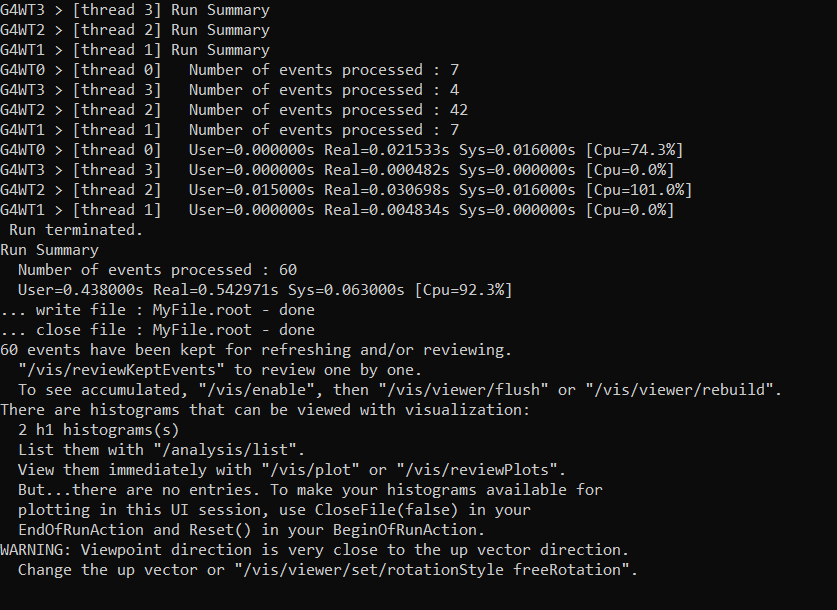
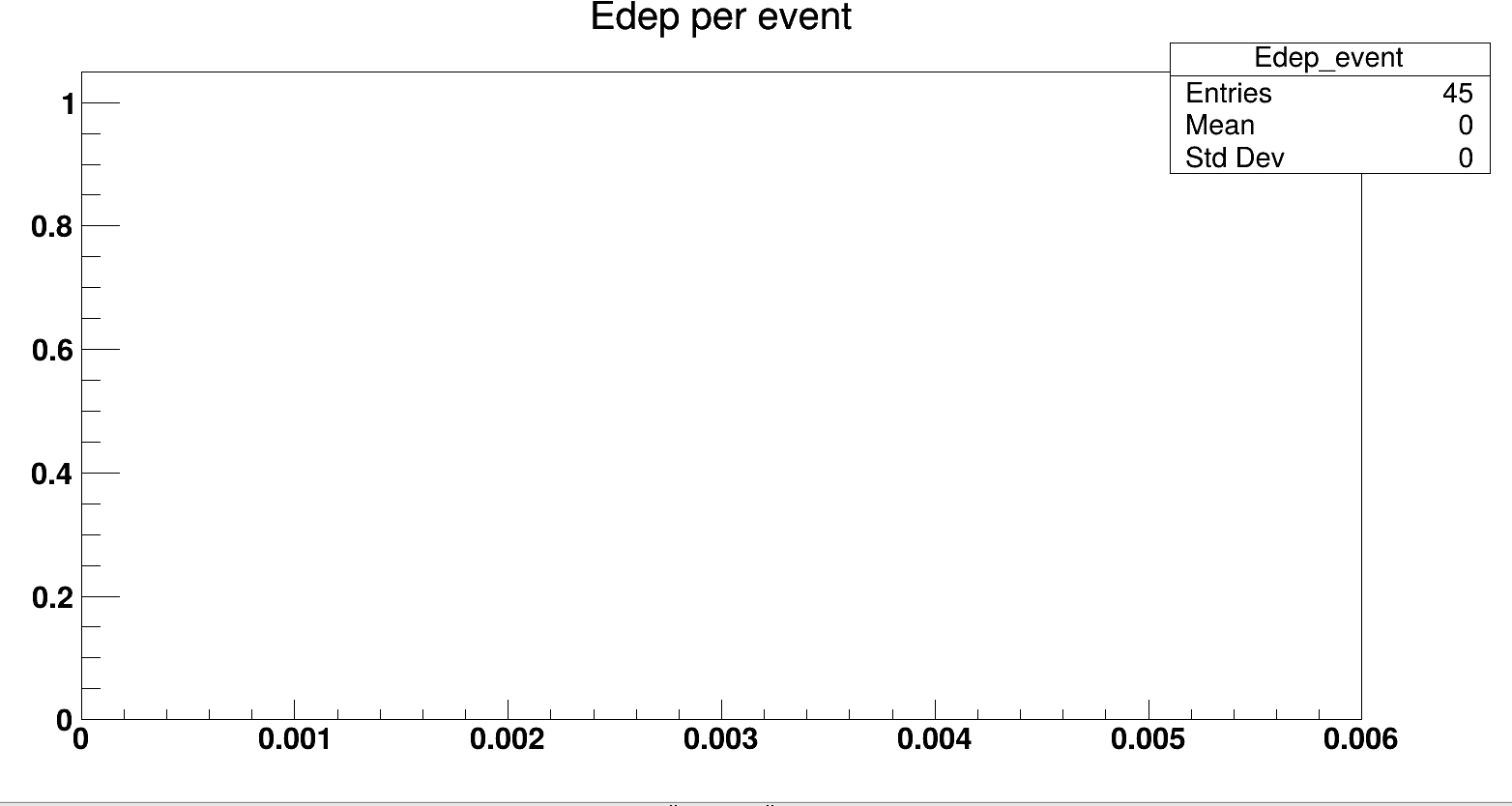
I modified example B1 to suit my project, but my histogram isn’t filled in. Could someone tell me what the problem might be please?
